Hello everyone! It’s been a few months since our last status update, and in that time, we have gotten a lot completed! In this update, we’re going to move away from our “and this is what we want to do…” into “here’s what we have done.” Of course, everything you see here is not final, and there is plenty of room for improvement, changes, and recommendations; in fact, we urge all of our readers to leave us feedback! Now that we’ve gotten our introductions out of the way, let’s get into the status updates!
CCK 2.0
The long awaited CCK 2. Our biggest update yet for Content Creation. When refactoring and redesigning the CCK, I kept simplicity and usability in my head as the two motivating factors. I wanted content creators to have a unique tool set, empowering them to quickly create and publish content, and I feel that I have gotten to a point where creators will be happy with the tools they have.
World Upgrades
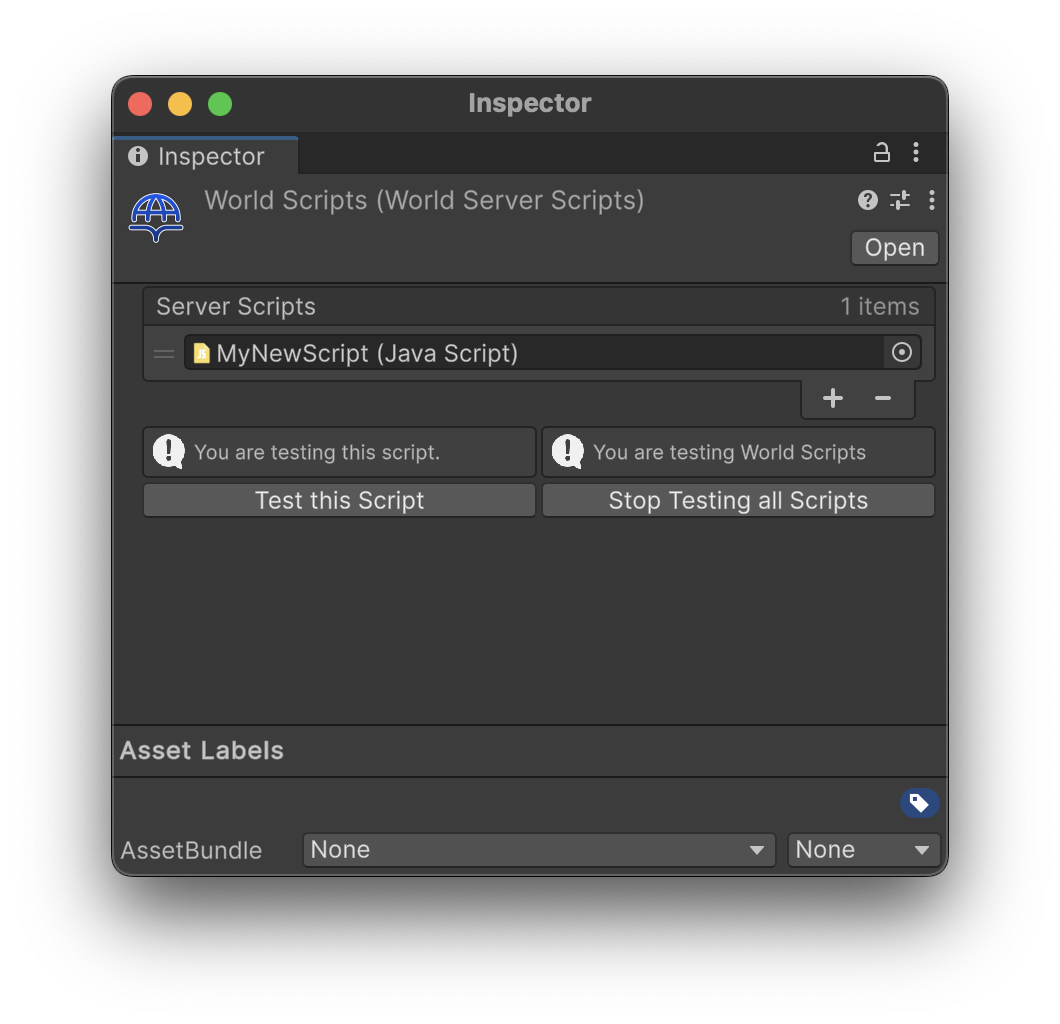
The new CCK features many improvements for world developers. For starters, Server Scripts are now stored as a separate object that can quickly and easily be swapped out for building or testing.
The World component has also seen some upgrades. It looks cleaner and is much easier to work with.
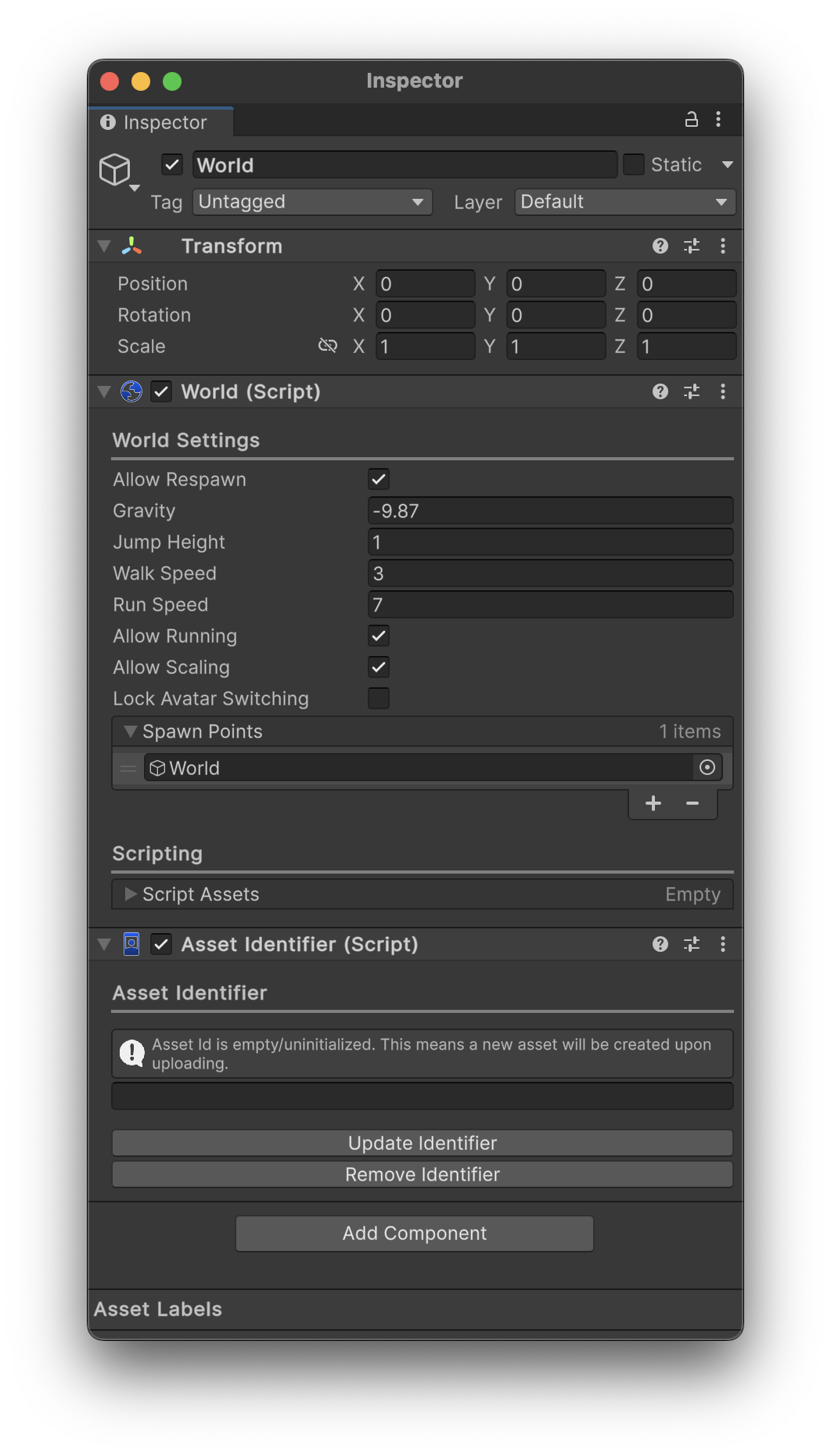
Mostly, worlds themselves haven’t seen too much of a difference, other than the LocalScripts were removed from the World component (you can now use the LocalScript component). However, avatars got some hefty upgrades…
Avatar Upgrades
Avatars have seen huge upgrades for creator’s creativity and functionality, including integrations with the new UI. Firstly, the new Avatar component has been reskinned to look much nicer and be easier to use.
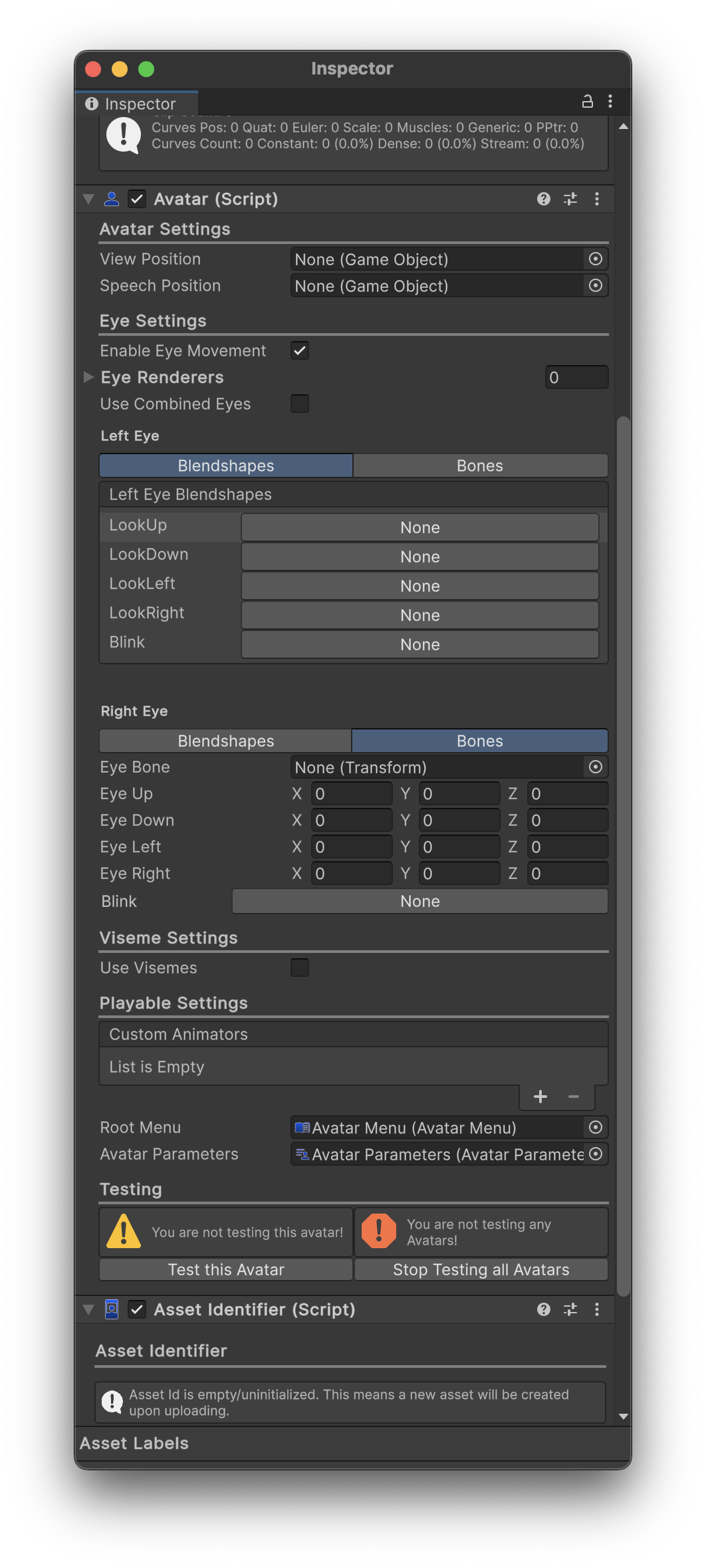
Many of the menus (i.e. the Blendshape Selector Window) will feel the same as before, but now look nicer and should be easier to use.
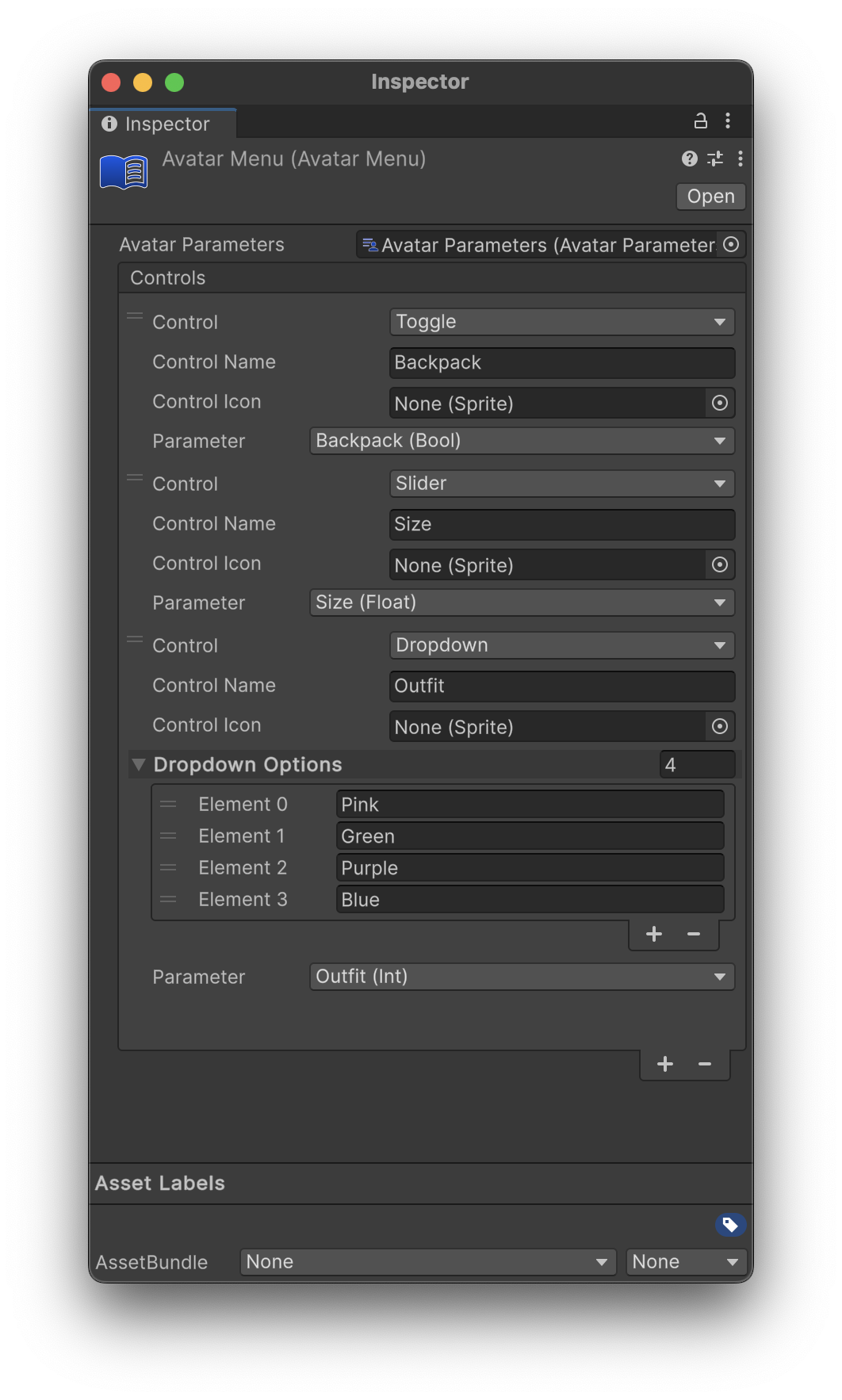
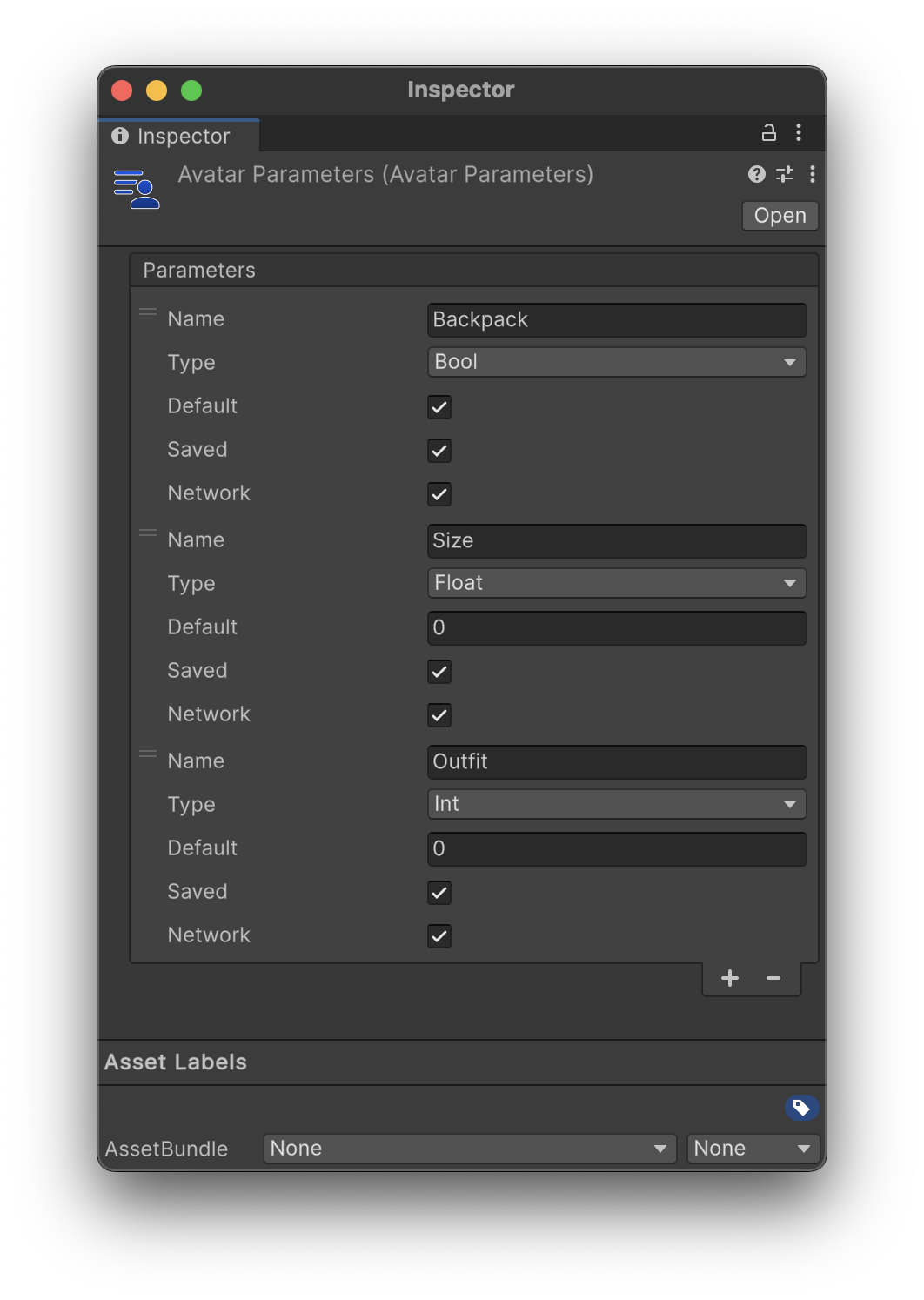
If you recall, our previous Avatar Component had a section dedicated to parameter names, which would be shown in the UI. Now, we have Avatar Menus and an Avatar Parameter Sheet!
| Avatar Menu | Avatar Parameters |
|---|---|
| An example Avatar Menu Sheet containing entries for all the valid Avatar Parameters (referenced at the top) | The Avatar Parameters Sheet, containing example parameters for Avatar Interaction |
Builder Upgrades
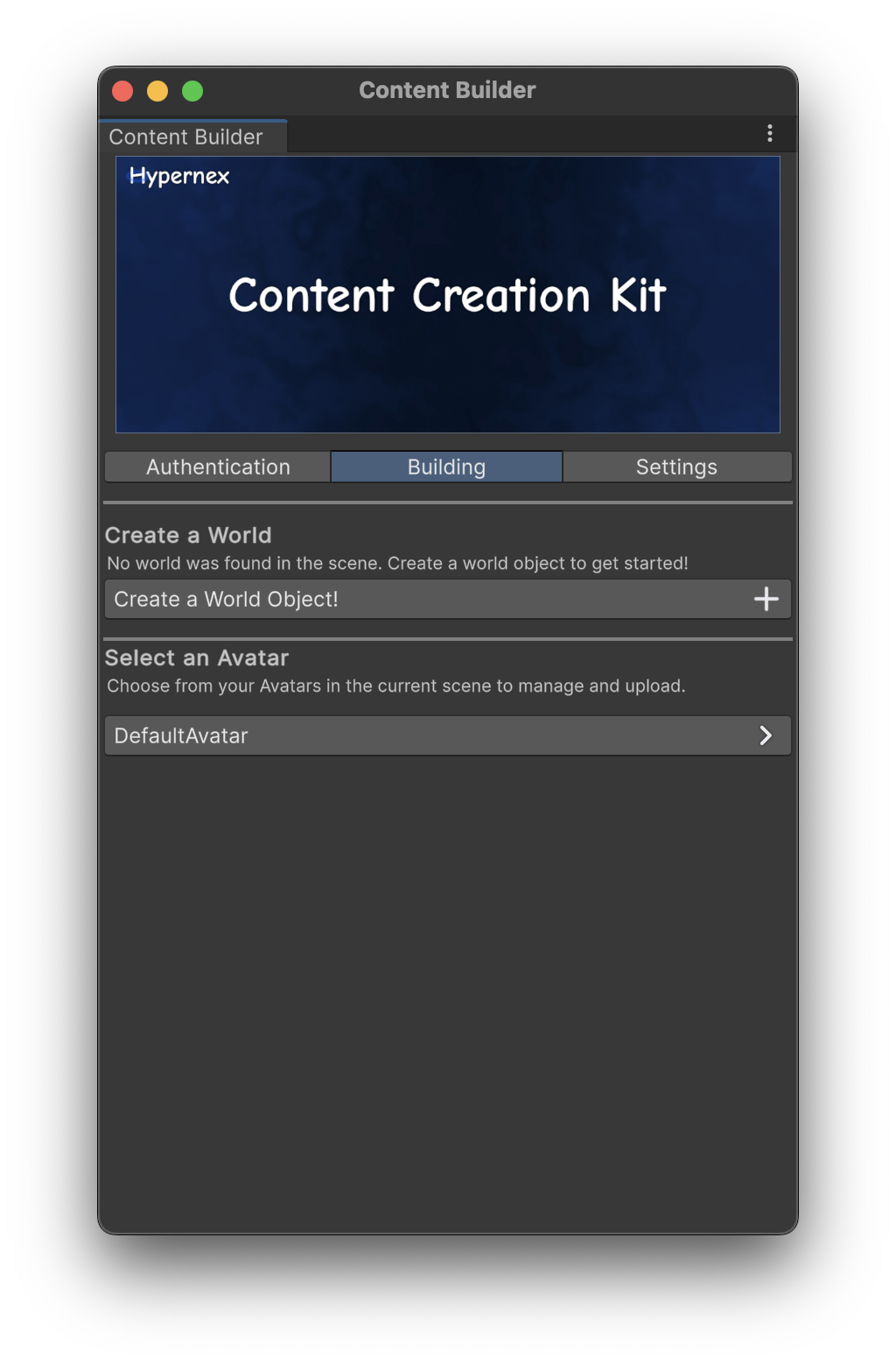
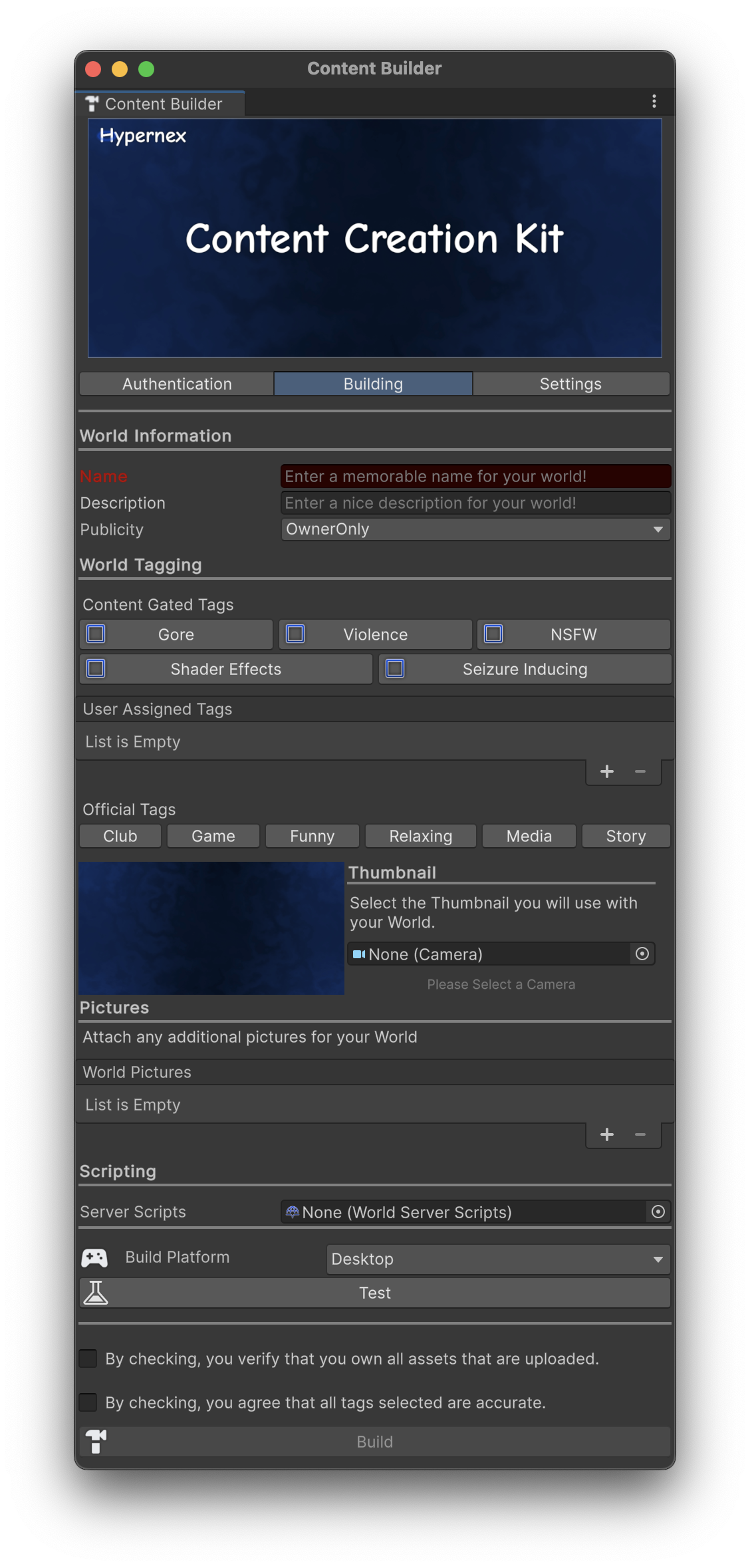
The content builder upgrades have been significant for helping new creators start with Hypernex. Navigating the new menu is simple and restrictions are easily pointed out to end-users (i.e. invalid name). Below are some views of the Content Builder Window
| Selection Menu | Asset Upload Menu |
|---|---|
| The menu where a user would select which asset to upload. Worlds are automatically selected. | The asset upload menu, where users can input information about an asset then upload it. Pictured is an example world. |
Another slight improvement for the Content Builder Window is also the backend. The views are abstracted classes which allow for dynamic rendering on-top of other views, enabling developers to quickly and easily mod in their own views (if need be). As compared to before, the views were coded individually, had zero abstraction (let alone Object-Orientation), and were just a mess to work with.
Scripts
Scripting has been completely reworked. The biggest news (and the most well perceived) has to be the removal of the ScriptEditor. While it was neat, it just did not fit the direction of Hypernex, and we as a team figured it would be better to do without it. Instead, scripts are ScriptableObjects in Unity, so they can be referenced on components (as seen below).
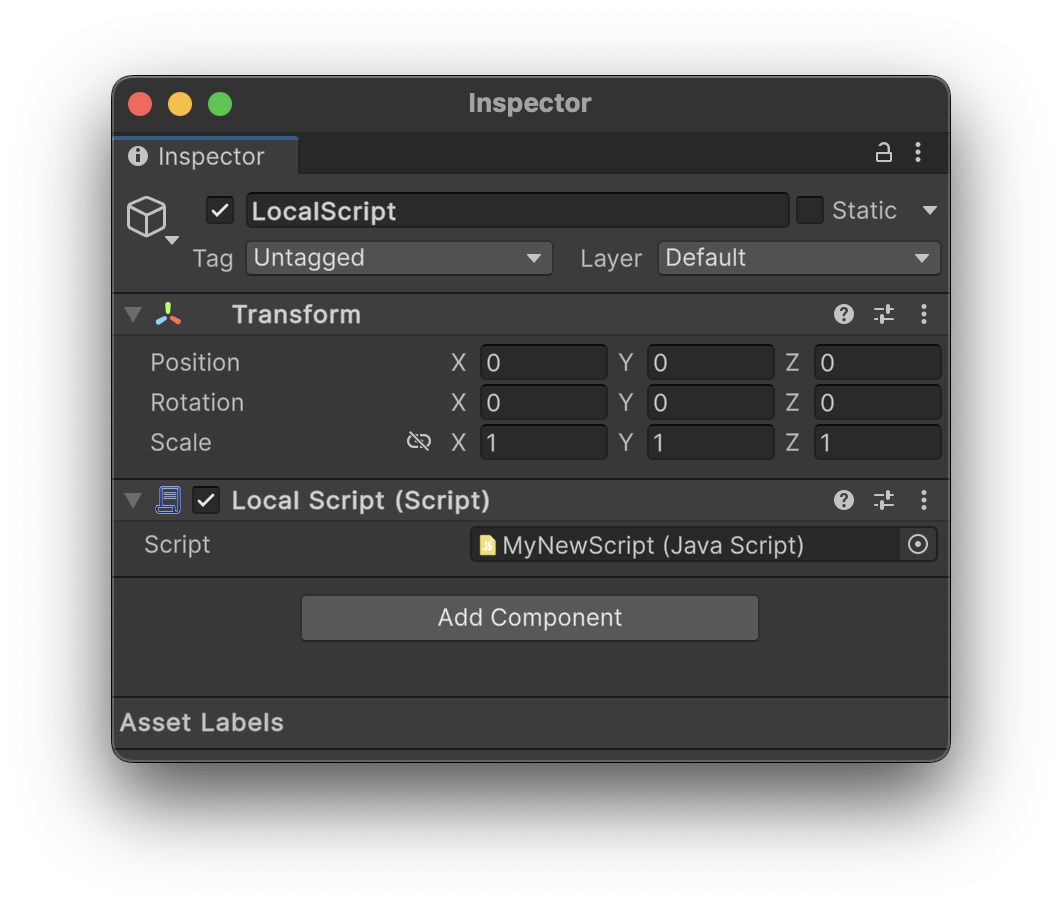
Here is a demonstration of creating a new script to work within editor.
Scripts can be edited in your choice of editor: VSCode, Notepad++, whatever you like!
Emulation
Finally, the biggest, newest feature in the new CCK is the ability to emulate the client in editor, allowing developers to quickly edit and test content before needing to upload and test in the client. This can save developers a lot of time and allow tests to be done quickly. Below is an example of the emulator emulating an example world.
Here is the script that was run in the world. The script was attached to the Canvas Item.
let Text = item.GetChildByIndex(0).GetComponent("Text")
let Button = item.GetChildByIndex(1).GetComponent("Button")

let timesClicked = 0

Button.RegisterClick(() => {
    timesClicked++
    Text.SetText("Times Clicked: " + timesClicked)
})
But, worlds aren’t the only thing that can be emulated. Avatars as well can be emulated! Simply insert your avatar in the scene, mark it for testing (via. either the Avatar Component or the Content Builder Window) and play the scene. Below is a demonstration of an example Avatar being tested.
Amongst these features, there are plenty of other tiny features that we believe will make a well-rounded CCK, or at least a start to a much, much better one.
UI 2.0
Another improving aspect comes from our in-game user interface, which has been completely reworked from the ground up to give clients a much more stable and understandable experience. Rather than explaining the new features, I figured it would be best to share what we have in the new UI already.
THE NEW UI IS NOT COMPLETE! Everything you see is subject to change at any moment.
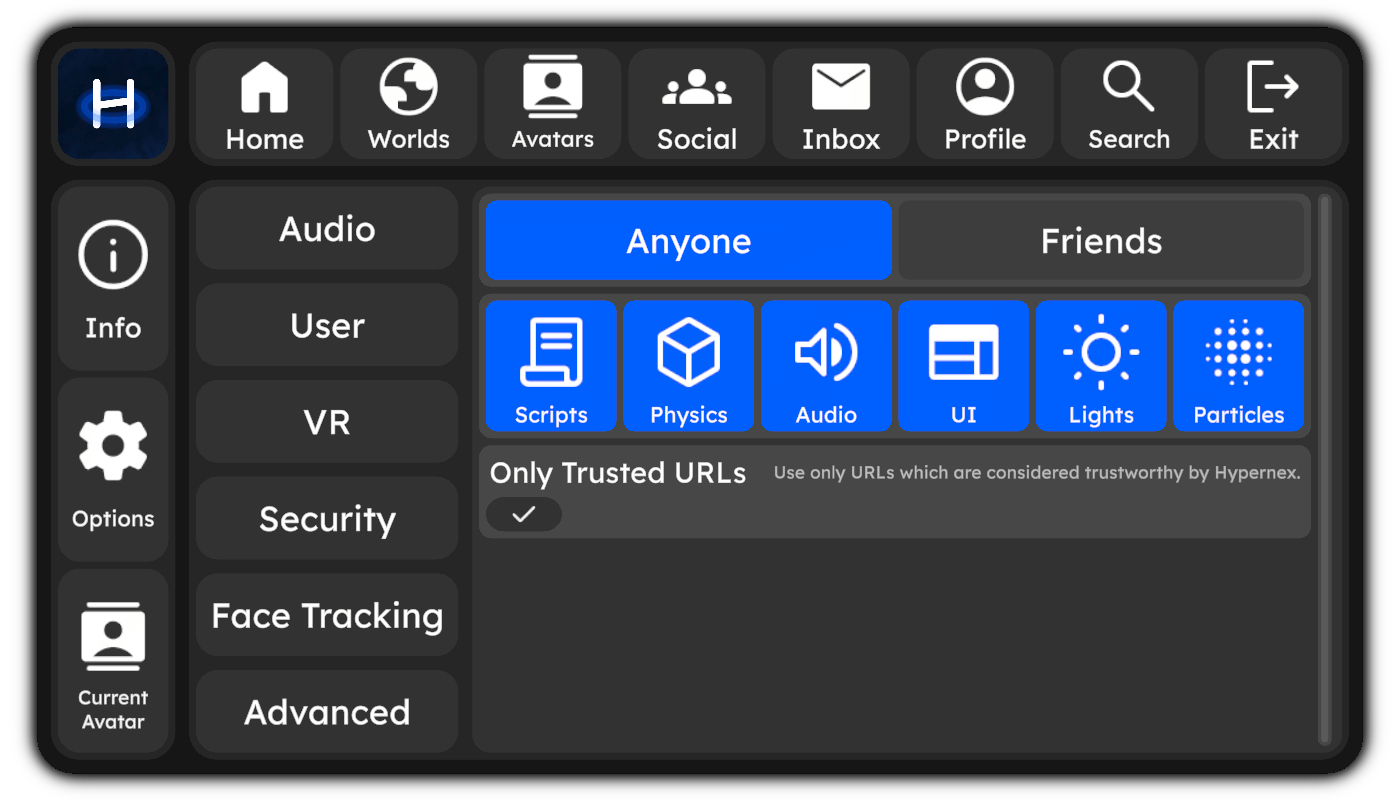
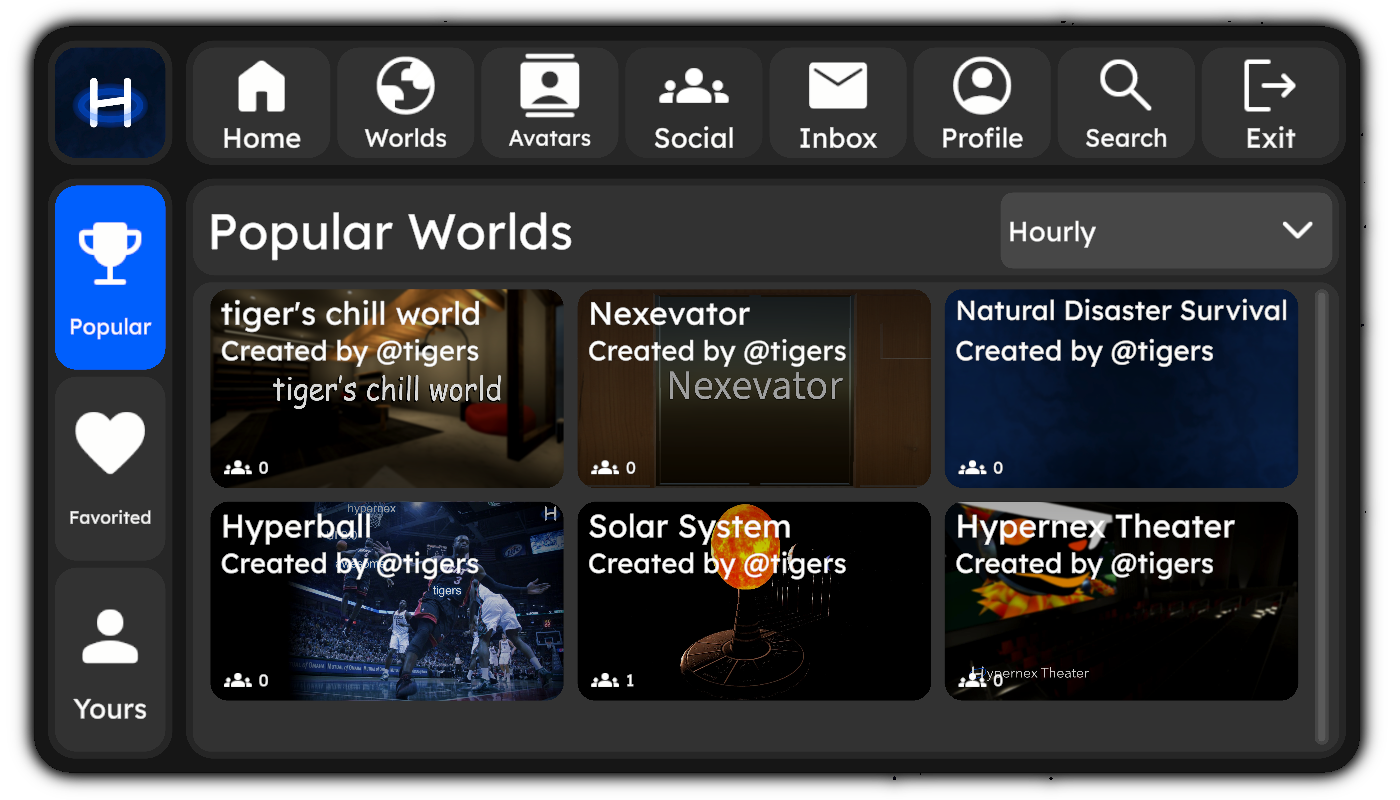
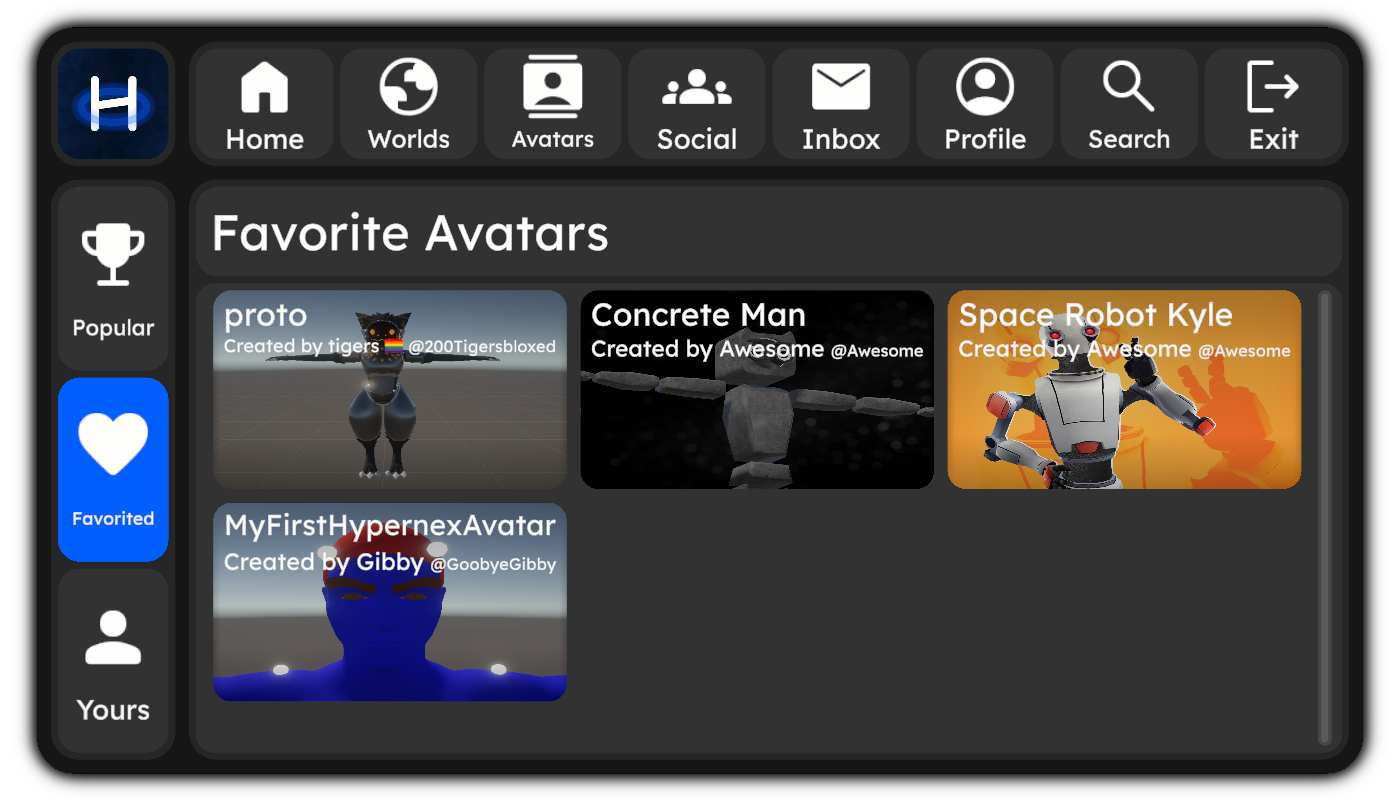
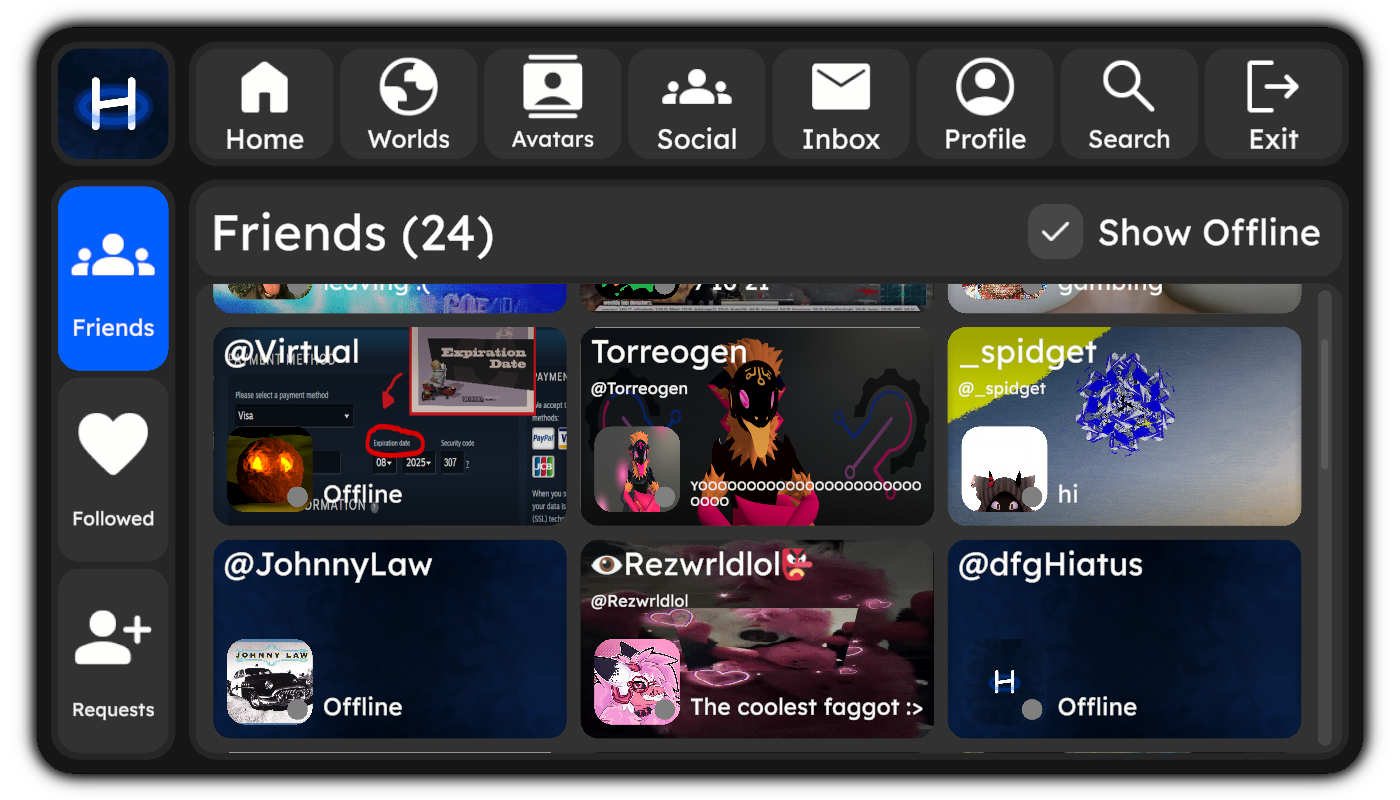
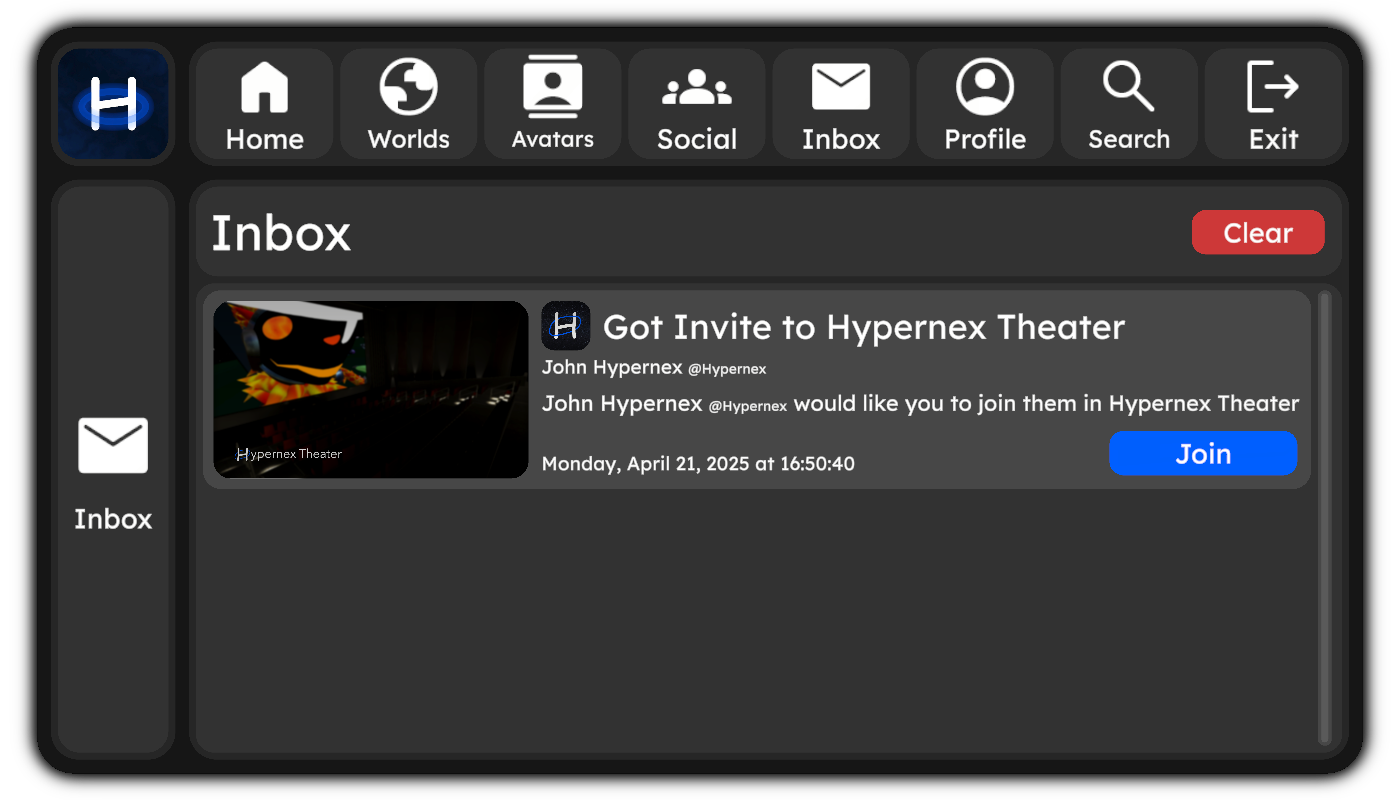
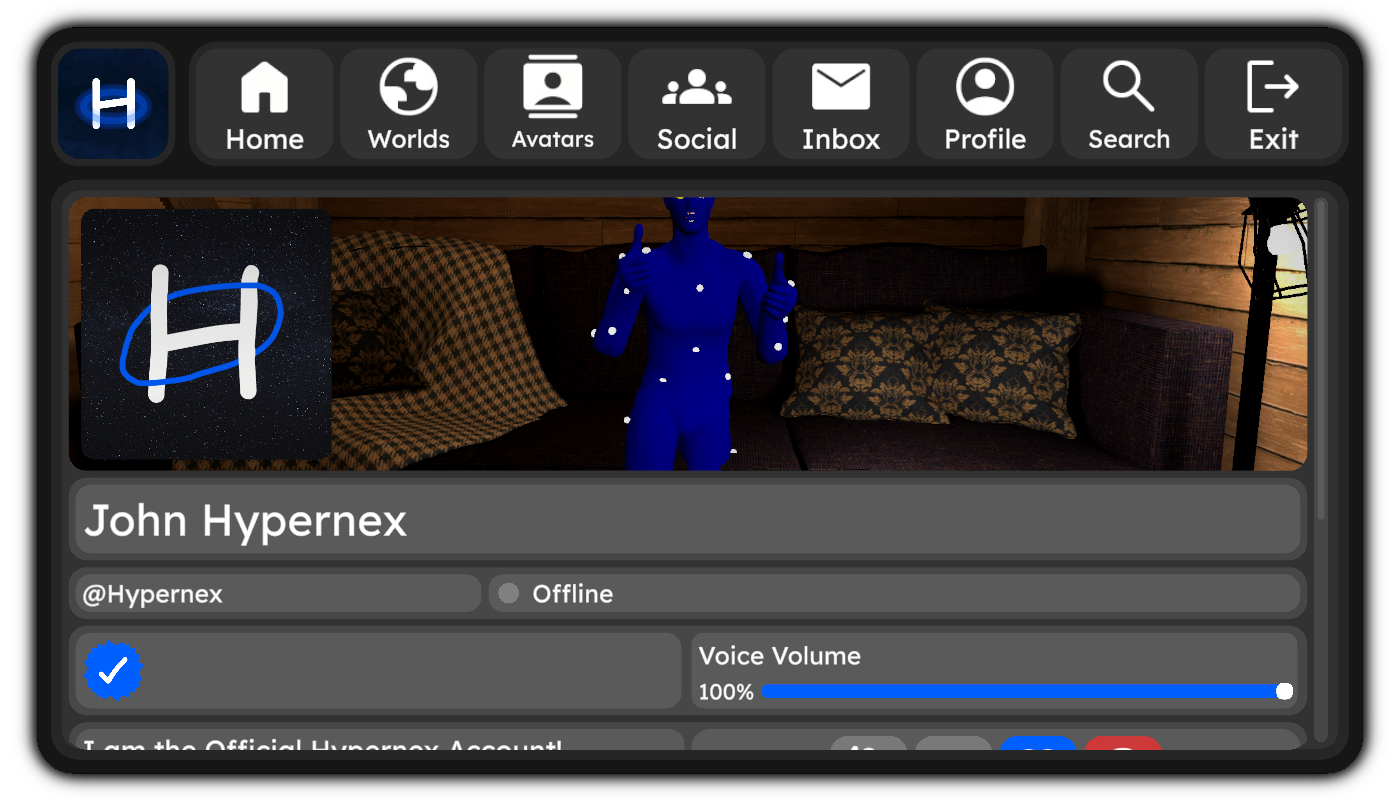
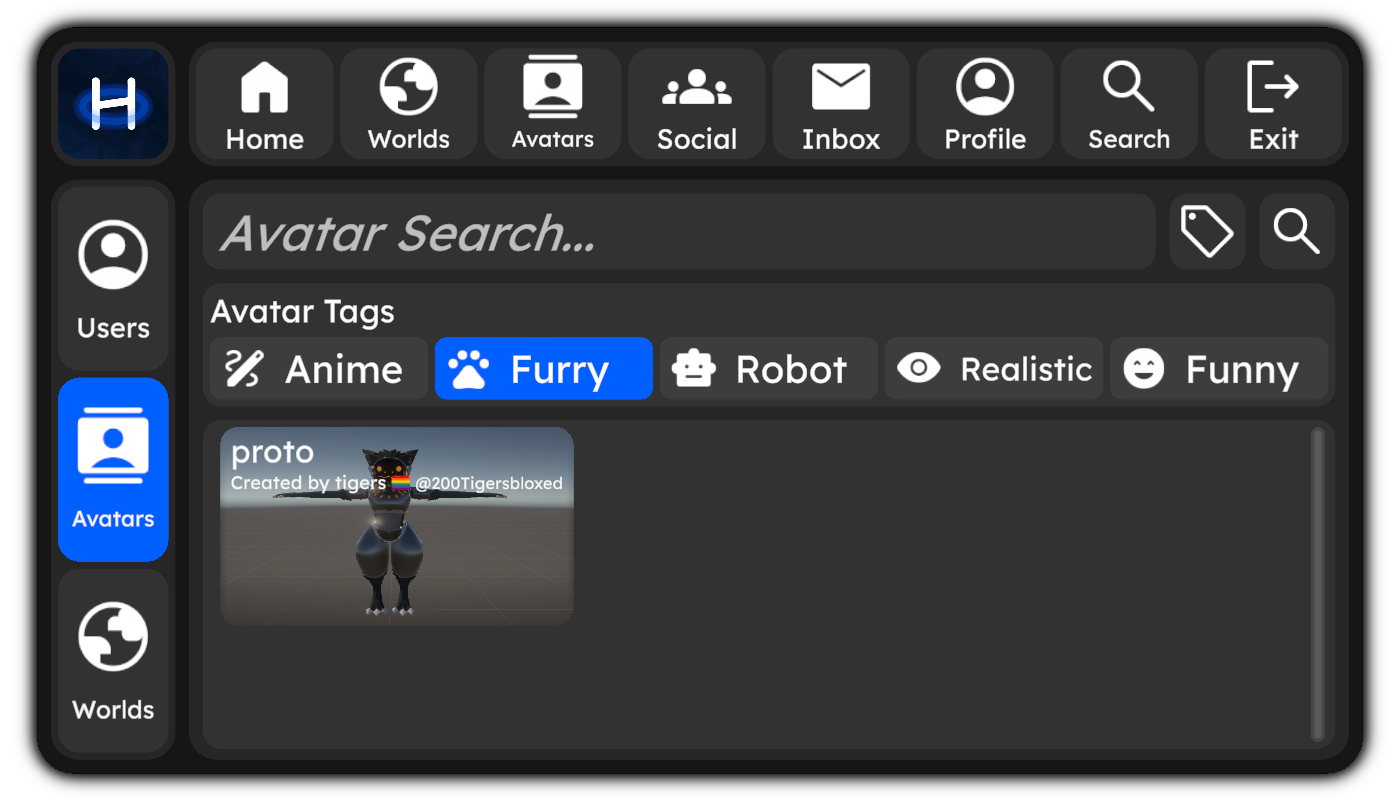
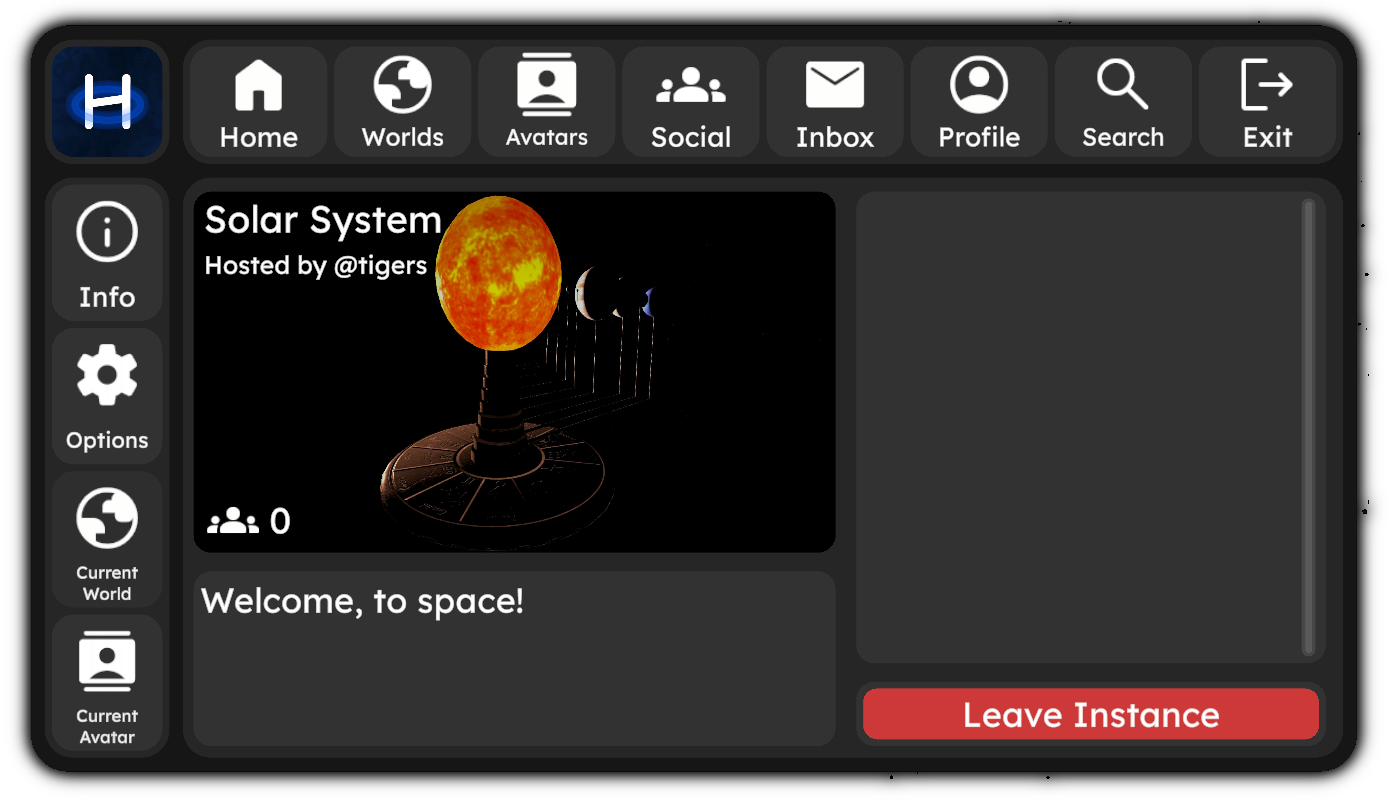
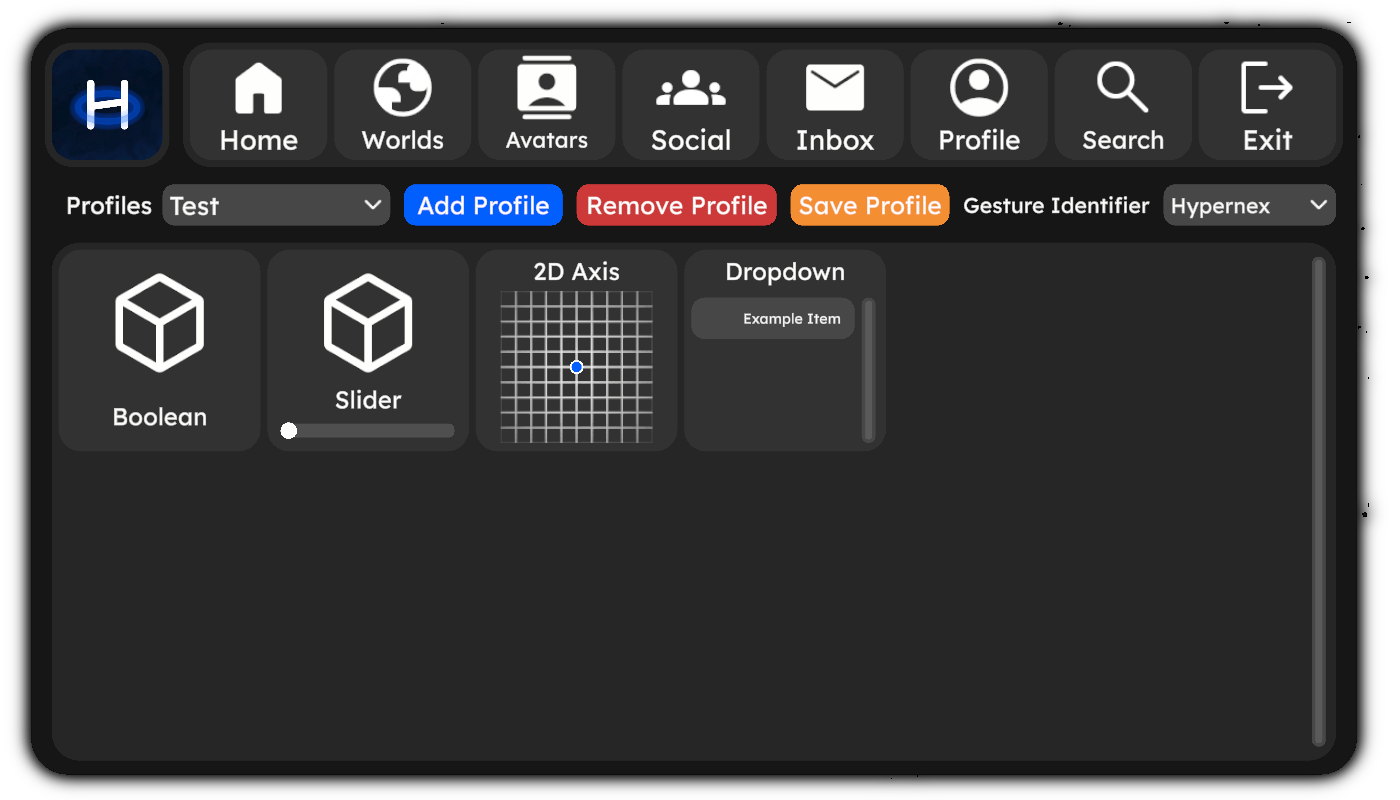
I want to give a ginormous thank you to @Awesome who has (literally) worked day and night to get this done. They were so insistent on this that at some points I got worried for them  ! Without their work, we would be nowhere near completion and our UI would look nothing like what it does now. Thank you so much!
CDN
The Hypernex CDN is now fully complete and works flawlessly! It can quickly deliver and upload assets, which will do great in the long run for reducing stress off of the API server. And the best part: the API server will automatically redirect users based on location! If you were to go to /api/v1/file/user_someuserid/file_somefileid, the API will redirect the request to the closest CDN server. The source for the CDN will be made public as soon as the next update releases, so stay tuned!
Hypernex at a Gaming Convention?
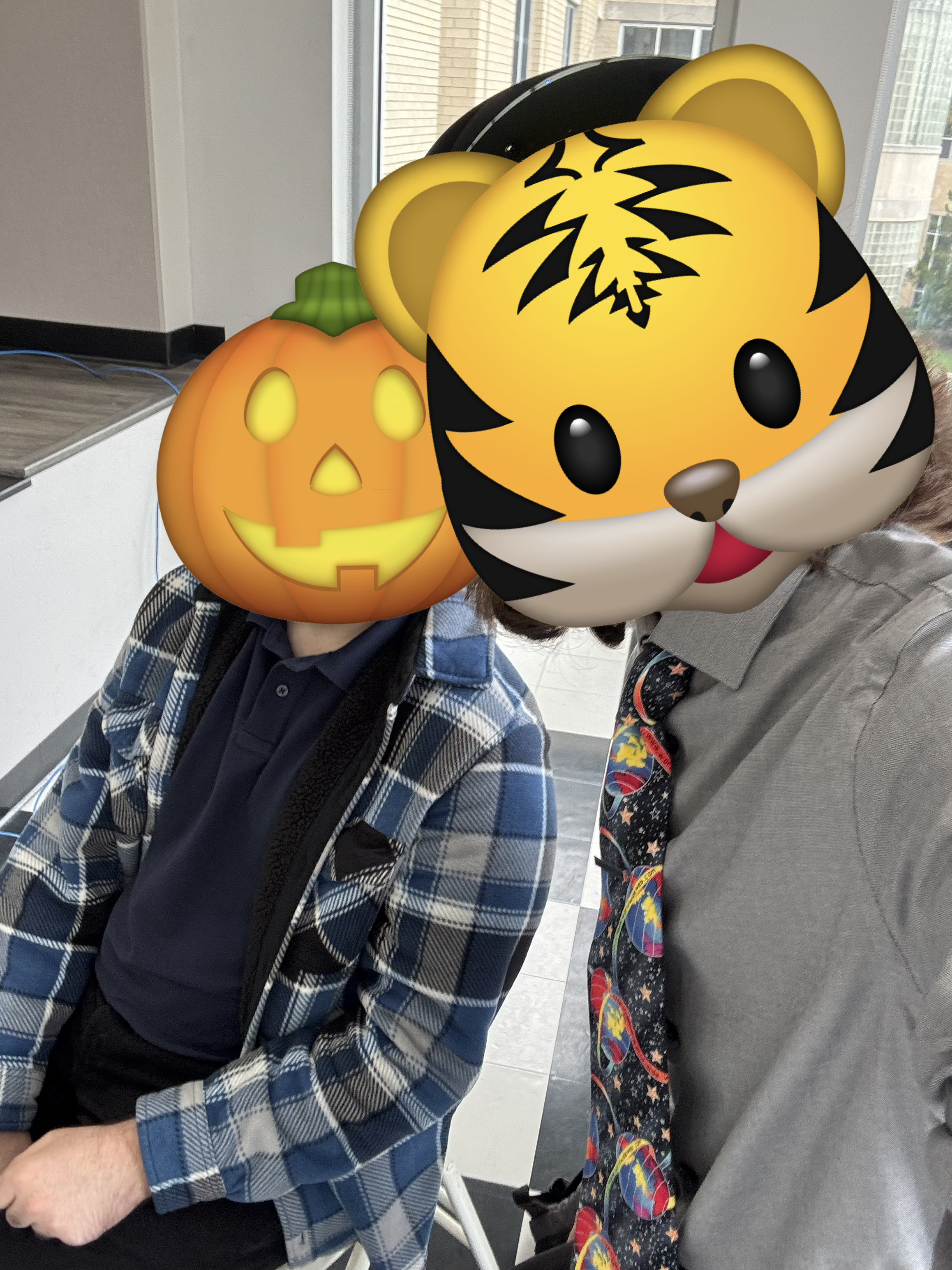
Yes, that is correct! Hypernex was at a gaming convention recently, where we demonstrated our game to some people who were in the area for some fun and games. We received mostly positive feedback from nearly everyone who gave our game a try! And yes, we did demo our new UI and CCK functionality, which we did stream on our Twitch, so be sure to follow us there if you haven’t already! I want to give a huge thanks to @Virtual for coming all the way out to this event to help represent Hypernex!
Closing Notes
As we have been developing new features, we have been branching out into new communities, communities of players, creators, and developers. We have received phenomenal feedback and are working tirelessly to address any concerns and find the best methods of implementation. I want to give a huge shout out to our team who is doing amazing work to get everything setup and functioning correctly. More specifically, I’d like to give special thanks to
- @Virtual
- Has been the forefront of testing and supporting our project
- @Awesome
- Did the ENTIRE new User Interface
- Thank you SO much for EVERYTHING you have done. We all appreciate your work!
- @Obi1
- Has been very supportive of the project
- Literally lending us servers and already making great contributions!
We hope before the next update, we will have the new UI and CCK released to the public. There is still plenty left to do, so we ask for patience while we get everything finished. We are real people (shocker) with real lives (another shocker), and Hypernex is just a fun side project of ours, not our lives (biggest shocker). Of course, we do our best to get things done quickly, but something as large as this does not happen overnight.
Thank you everyone for your continued support!
Love from Hypernex